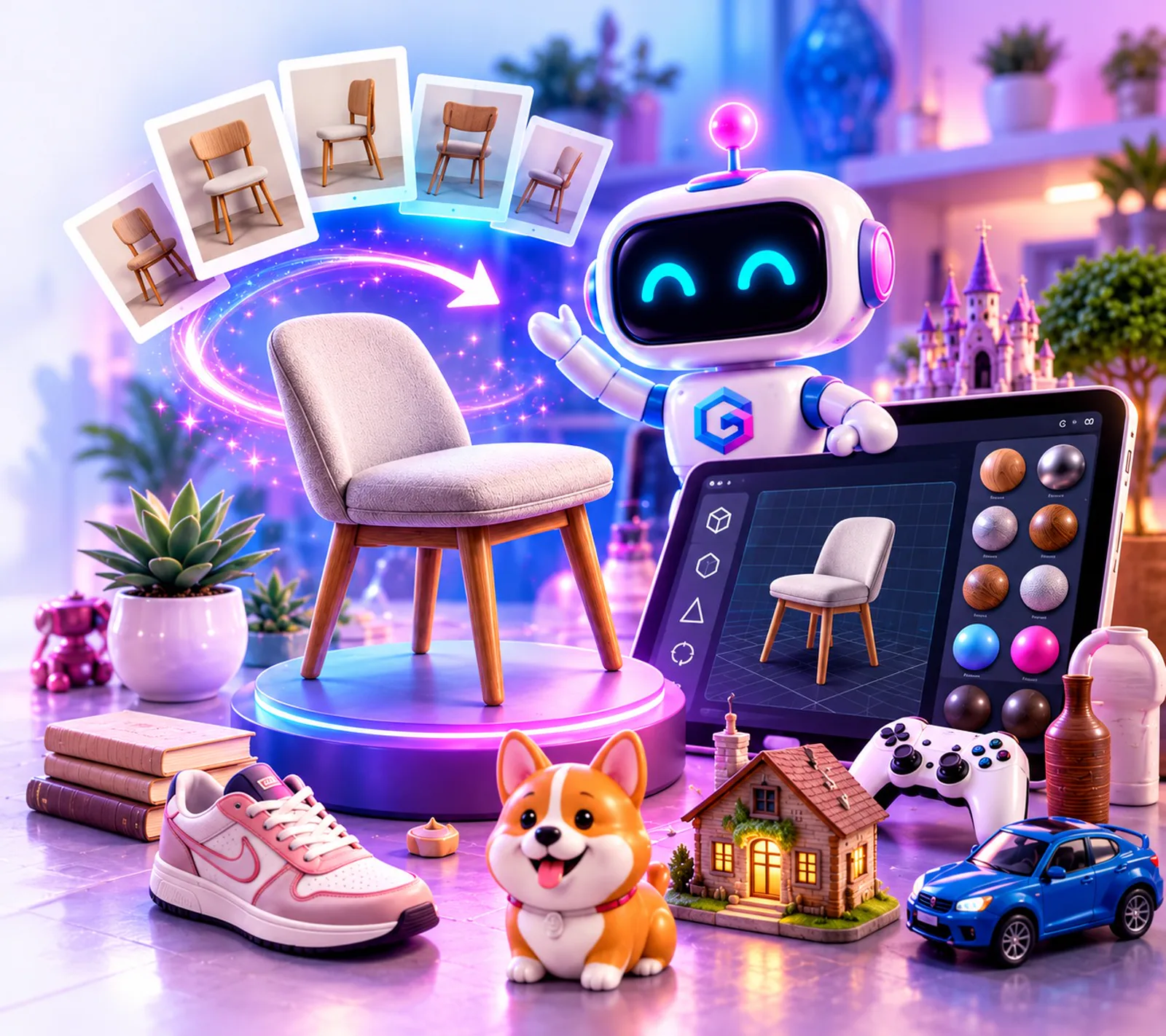
Header image: GLBzi / Solvisi — all rights belong to Solvisi.
Every so often a small tool lands that makes a big idea feel easy. GLBzi is one of them. Its promise fits on a sticker: Create it. GLB it. Build a 3D model in your browser, save it as a single .glb file, and carry it wherever 3D lives next.
It comes from Solvisi, the Bel Air, Maryland creative studio of designer Jodie Jewell. Her studio's motto is "Big imagination. Real human." After an afternoon with GLBzi, we understand why.

Image: GLBzi / Solvisi — all rights belong to Solvisi.
First, what a .glb actually is
A .glb is the binary, single-file version of glTF, the 3D format maintained by the Khronos Group. One file holds the shape, the materials and the textures. Nothing to unzip, no missing image folder.
That portability is the whole point. A model saved as a .glb can move from a design tool to a web page, a game scene, an AR preview or a virtual room without being rebuilt. For anyone who thinks about digital assets the way we do, that matters: an asset you can carry is an asset you actually own and can use.
Inside the GLBzi Workshop
The 3D Workshop is where GLBzi shines today, and it is genuinely fun. The site invites you to "Take it for a spin," and the controls earn it:
- Multi-object scenes. Combine shapes, then move, rotate, resize and duplicate them, with undo and redo.
- Materials that feel finished. Material presets plus your own colors and textures.
- GLB in, GLB out. Import an existing .glb (up to 50 MB), keep building, and export again.
- Your work, protected. Local autosave, optional account saving, private cloud projects and
.glbziproject backups that restore fully editable scenes. - Works where you work. It runs in the browser, including on iPad with Files support.
The Workshop needs no AI credits. It is pure making, and that is a lovely design choice: you learn 3D by playing with it.
Photo-to-3D: four photos in, one model out
The feature in the poster above is GLBzi's Photo-to-3D. Photograph an object from the front, back, left and right (a fifth view is optional), and GLBzi turns those four photos into a downloadable GLB model.
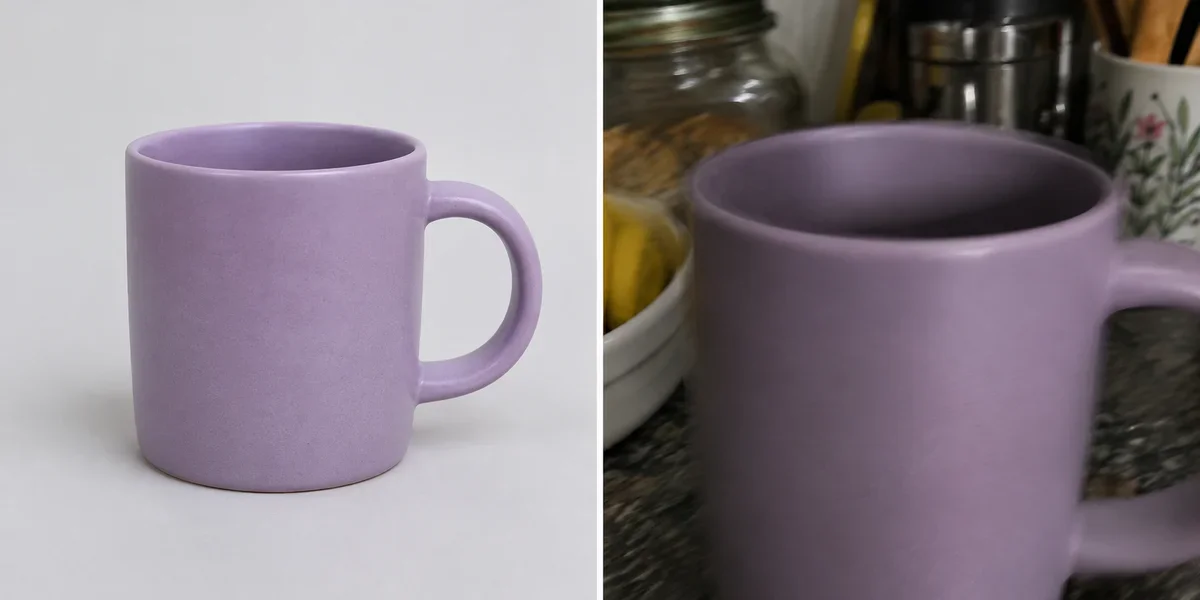
Image: GLBzi / Solvisi — all rights belong to Solvisi.
To be accurate about where it stands: on the GLBzi site the generate button is marked coming soon, so this is a feature to watch rather than one to use today. What is already published is refreshingly fair. One AI creation credit equals one completed GLB. A credit is used only after a valid model is saved, failed or canceled jobs return the credit, and reopening or re-downloading a finished model costs nothing extra. GLBzi's photo privacy page explains how the photos are handled.
That credit design deserves a nod. It puts the risk of a bad generation on the tool, not on the person paying for it.
Where the models live: Roamzi rooms
A 3D model needs somewhere to be seen. Solvisi's answer is Roamzi, whose headline says it best: "Your imagination has a place to go."
Roamzi is a browser-based 3D and VR room builder. You pick a window view, furnish the space with curated assets, wall colors and wallpaper, add your own images and logos, then share the room by link, QR code or website embed. Visitors can walk it on a phone, a computer or a compatible VR headset, and signed-in visitors in public rooms can even see each other and choose to connect by voice.
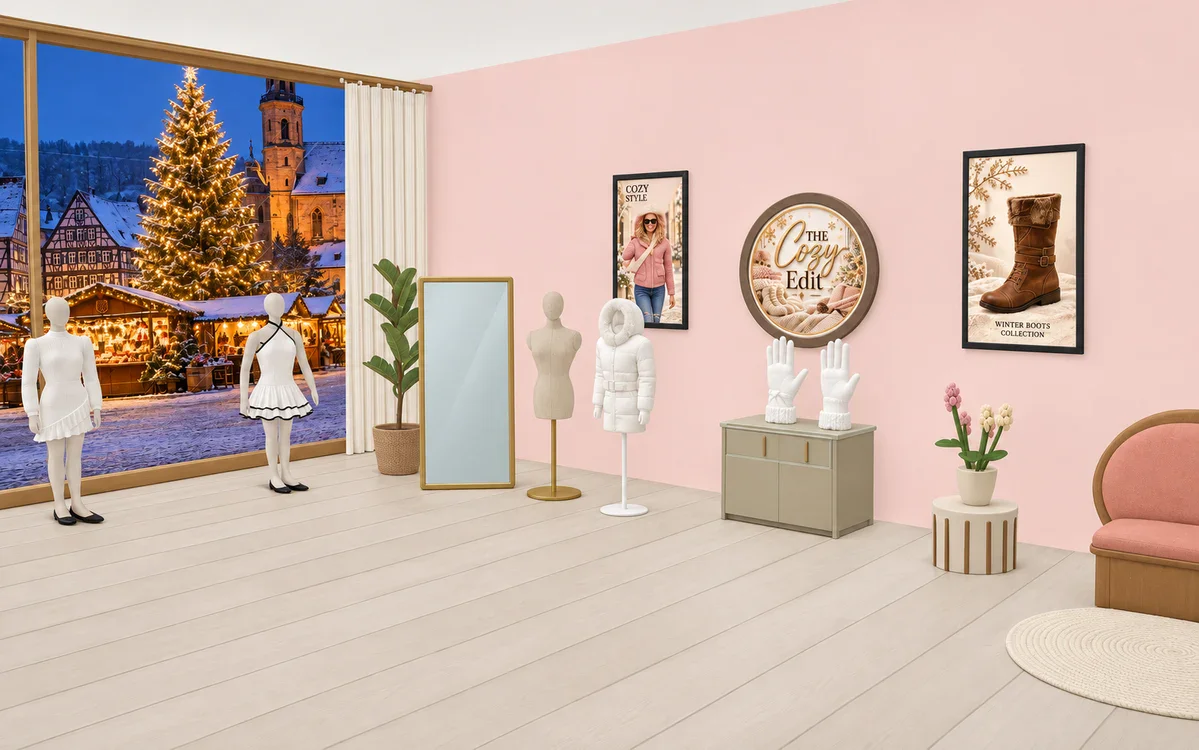
Image: Roamzi / Solvisi — all rights belong to Solvisi.
GLBzi models can be imported into compatible apps, including Roamzi, and a one-click "Send to Roamzi" is listed as coming later. Put the two together and you get a complete little pipeline: make or capture an object, save it as a GLB, and place it in a room anyone can visit from a link.
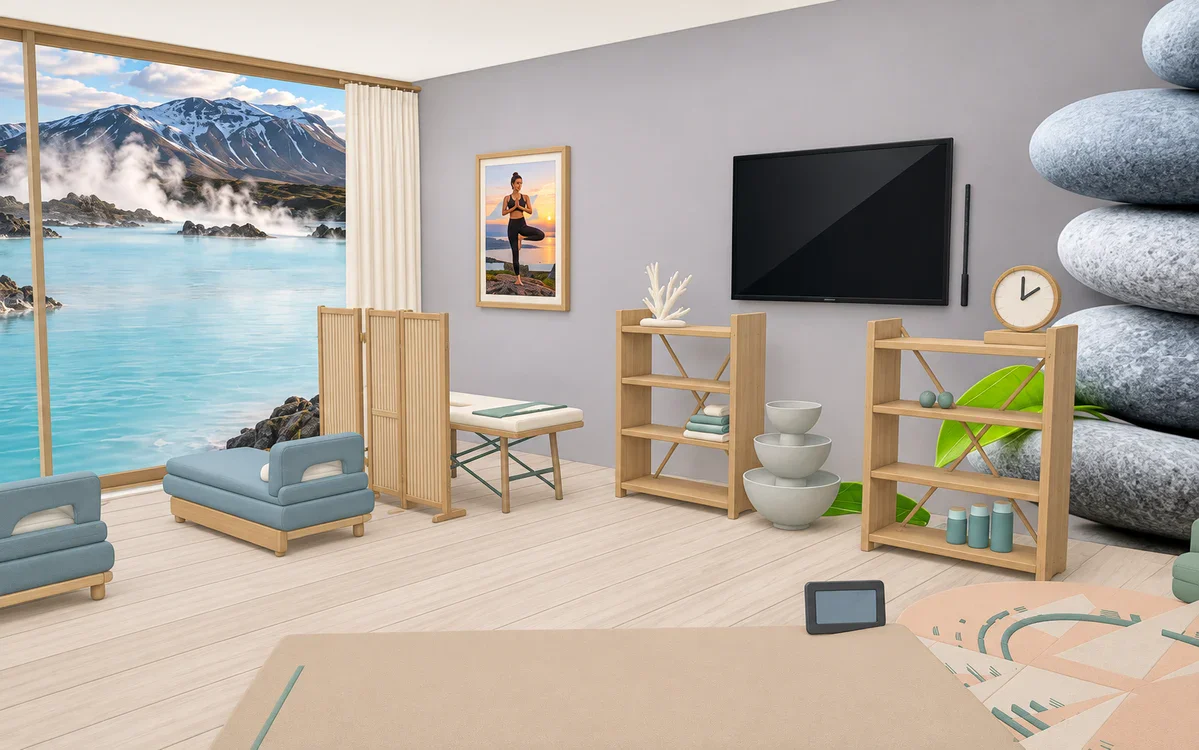
Image: Roamzi / Solvisi — all rights belong to Solvisi.
Why this matters for collectors, creators and virtual spaces
We write a lot on this blog about virtual storefronts, digital twins and walkable showrooms. The hard part has never been the room. It has been getting real things into it.
GLBzi points at the answer. When an everyday object can become a portable 3D asset:
- Makers can show a handmade piece from every angle instead of one flat photo.
- Collectors can keep a 3D record of the things they care about, in a format that is not locked to one app.
- Small shops and galleries can furnish a shareable room with their own products, not stock furniture.
- Families and kids get a playful first step into 3D, which is how the next generation of virtual-world builders gets started.
It is the same idea behind the phygital movement: the line between the object on your shelf and the asset on your screen keeps getting thinner.
The studio behind it
GLBzi is one part of a wider, imaginative product family from Solvisi. Alongside websites, graphics and reels for clients, the studio's portfolio includes Roamzi rooms, Folio digital magazines, Hello tap-to-connect cards and key fobs, the SnapShot QR photo booth, TapAble NFC fobs for families and StoryGlow personalized storybooks.
Solvisi's homepage puts it simply: "You bring the 'what if.' I bring the imagination." GLBzi is that sentence turned into software, and we are glad it exists.
Try the Workshop at glbzi.com, take a walk through a room at roamzi.fun, and see the rest of the studio's work at solvisi.com.
Related reading: a profile of Solvisi in the Smith App Studio Journal, and what Solvisi's launch visuals teach about scroll-stopping posts on the PostPilot blog.
Nexaria is developed by Smith App Studio: smithappstudio.com